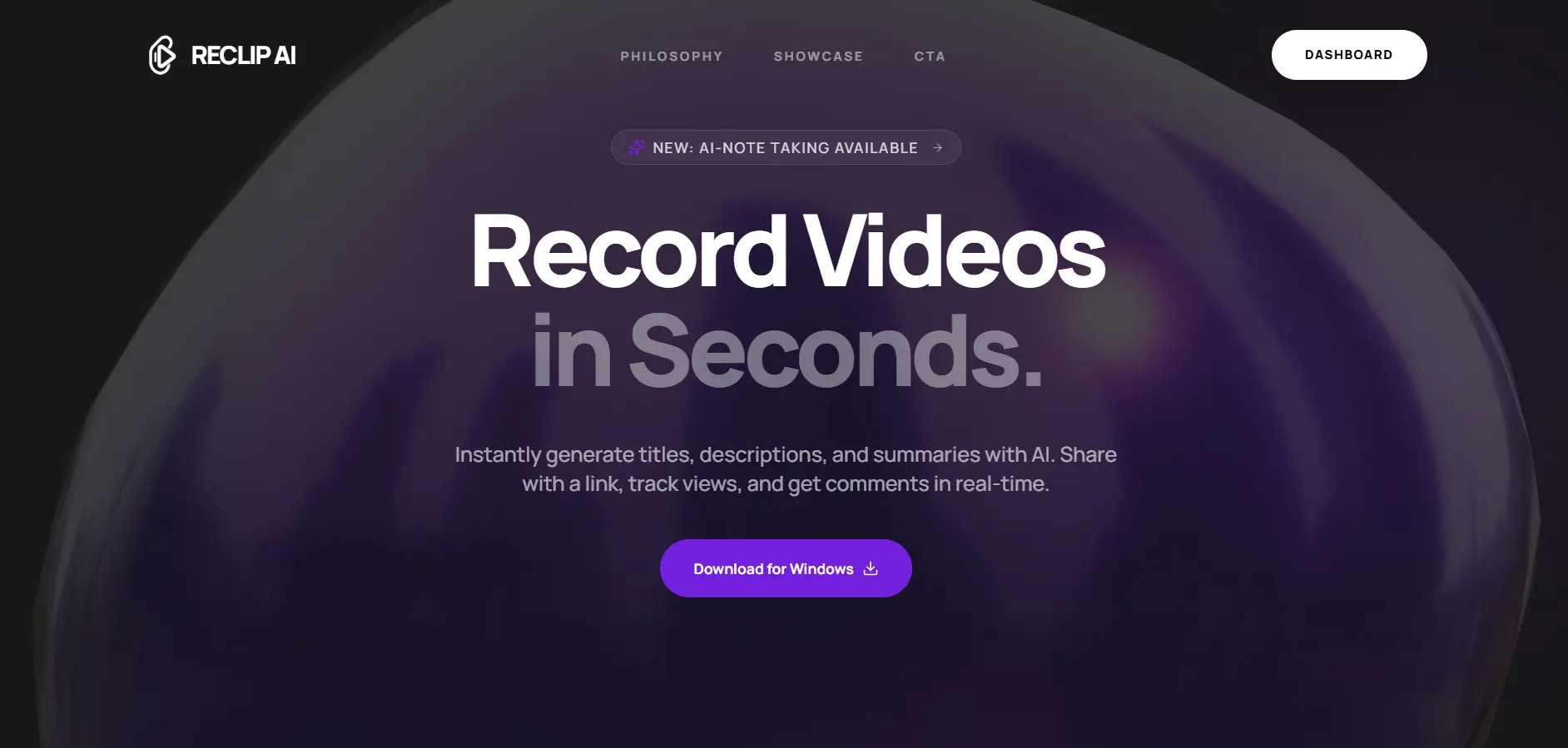
Overview
Recli-AI is a comprehensive content creation platform that empowers creators to record, process, transcode, and publish professional video content. The platform leverages AI for intelligent automation while maintaining real-time cross-platform synchronization.
The Problem
Content creators face a fragmented workflow - recording in one app, editing in another, transcoding separately, and manually uploading to multiple platforms. This wastes hours of productive time and creates inconsistent quality across outputs.
Why I Built This
I wanted to build something that would genuinely help creators focus on what they do best - creating content. The idea was born from my own frustration with the content creation pipeline. Why should uploading a video require 5 different tools?
Tech Stack & Why
Next.js
Server-side rendering for SEO and fast initial loads, plus excellent developer experience with App Router
Bun
Blazing fast JavaScript runtime - 3x faster than Node.js for our transcoding queue operations
Electron.js
Cross-platform desktop app for screen recording with native OS integration
TypeScript
Type safety across the entire stack prevents runtime errors and improves maintainability
PostgreSQL
ACID compliance for financial transactions and complex relational queries for user analytics
AWS S3
Scalable object storage with 99.999999999% durability for video assets
AI Integration
OpenAI for intelligent content suggestions, auto-captioning, and thumbnail generation
Challenges & Solutions
Real-time Video Processing
Processing 4K video in real-time while maintaining smooth recording was causing frame drops and audio sync issues.
Implemented a dual-buffer system with hardware acceleration. Recording writes to a fast SSD buffer while a background worker handles encoding. Achieved 60fps recording with zero frame drops.
Cross-Platform Sync
Users expected their recordings to appear instantly across web and desktop apps, but traditional polling created delays.
Built a WebSocket-based real-time sync system with optimistic updates. Changes reflect in under 200ms across all connected devices.
Scalable Transcoding
Video transcoding is CPU-intensive. A single 10-minute 4K video could take 30+ minutes on a standard server.
Designed a distributed transcoding queue using BullMQ with auto-scaling workers. Videos now process in parallel, reducing average transcode time to under 5 minutes.
Architecture
- Client Layer: Electron desktop app + Next.js web dashboard
- API Gateway: Express.js with rate limiting and JWT authentication
- Processing Layer: BullMQ job queues with Redis for task distribution
- Storage Layer: PostgreSQL for metadata, S3 for video assets
- AI Layer: OpenAI API integration for content intelligence
Key Features
Results & Impact
Reduced content publishing time by 70% for beta users
Achieved 99.9% uptime since launch
Processing 500+ videos daily with sub-5-minute transcode times
4.8/5 average user satisfaction rating
What I Learned
Hardware acceleration is non-negotiable for video apps - learned this the hard way
Optimistic UI updates dramatically improve perceived performance
Queue-based architecture is essential for CPU-intensive workloads
TypeScript saved us from countless production bugs
What's Next
Interested in working together?
I'm always open to discussing new projects and opportunities.